BTA Members App
Mobile App Download & Login Instructions
Click here for a detailed walkthrough on how to download & log in.
Apple App Store
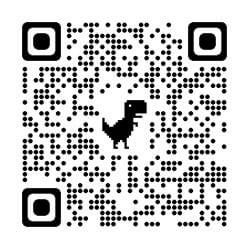
- Search for "GoEngage" in the App Store or scan the QR code at right. You should see "GoEngage" in the results.
- Click on "GET."
- Download the app to your phone.
- Open the app.
- You'll be prompted to search for an app or enter a code.
- Search: BTA
- Enter code: bta26
- You should now have access to the event.
- Click the "Sign In" button located at the top right of the app home page to sign in.
- Follow the prompts on the screen to obtain an access code. Make sure to use the email you registered with.
- Enter the access code sent to your email.
- You should now have access to the event.
Google Play Store
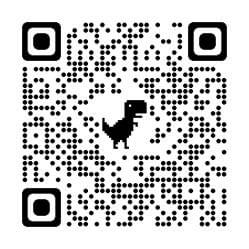
- Search for "GoEngage" in Google Play or scan the QR code at right. You should see "GoEngage" in the results.
- Click on "Install."
- Download the app to your phone.
- Click on "Open."
- You'll be prompted to search for an app or enter a code.
- Search: BTA
- Enter code: bta26
- Click the "Sign In" button located at the top right of the app home page to sign in.
- Follow the prompts on the screen to obtain an access code. Make sure to use the email you registered with.
- Enter the access code sent to your email.
- You should now have access to the event.